Does it decide whether someone gets paid?
No. This is the most important line on the page, and we will repeat it without qualification: the agent does not decide whether an incident is covered, does not assess the loss, and neither approves nor refuses a payout. That decision is taken by the insurance company under the policy, and it is taken by people. It answers from your materials: what is covered, what is excluded, which documents are needed and by when.
Does it issue policies and take money?
No. It does not draw up contracts, does not take payments and does not issue policies — the deal is made by you. Its place is earlier: to take a hundred questions about cover off a person before the conversation ever reaches your staff.
Can it see my policy and my contract?
It doesn’t change, renew or cancel an active policy — your people do that. Its place is earlier: policy wordings, product descriptions, document checklists and deadlines, plus reference systems — Garant, ConsultantPlus, Casebook, kad.arbitr — when a rule needs checking or a counterparty verifying. If a question means looking inside a specific contract, it says so and calls in your employee.
What is the file it sends?
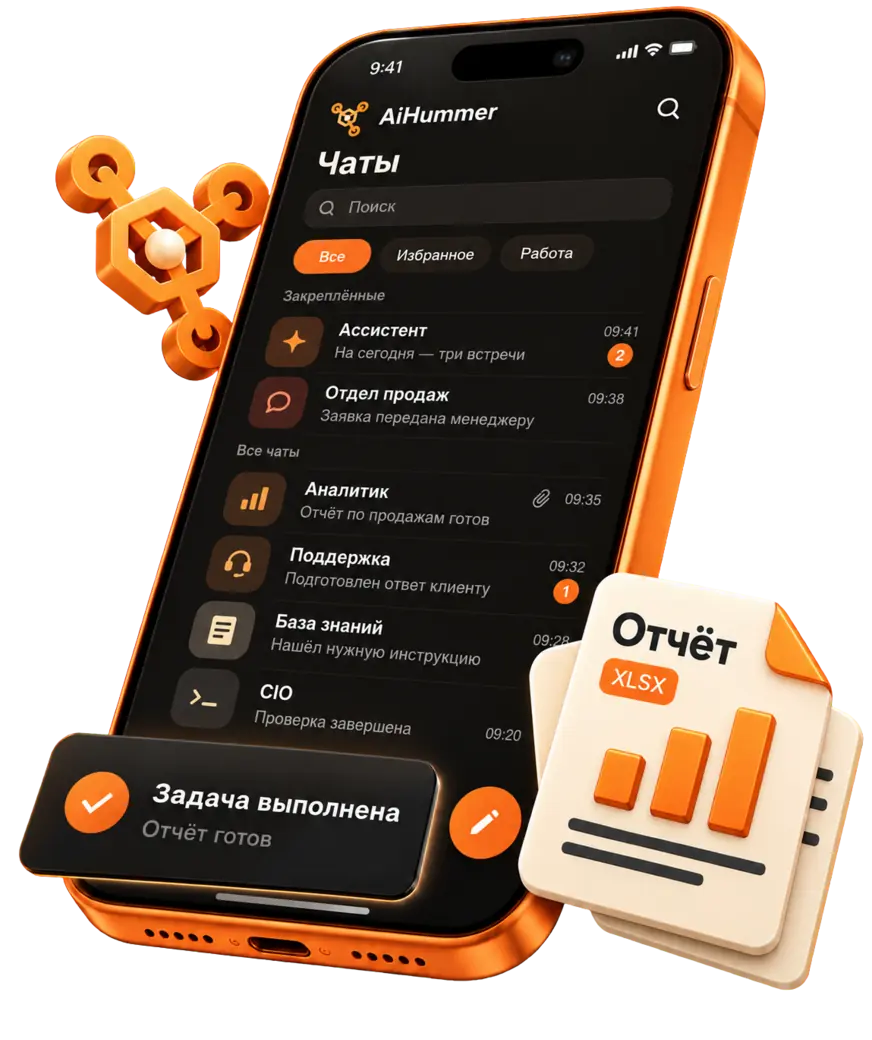
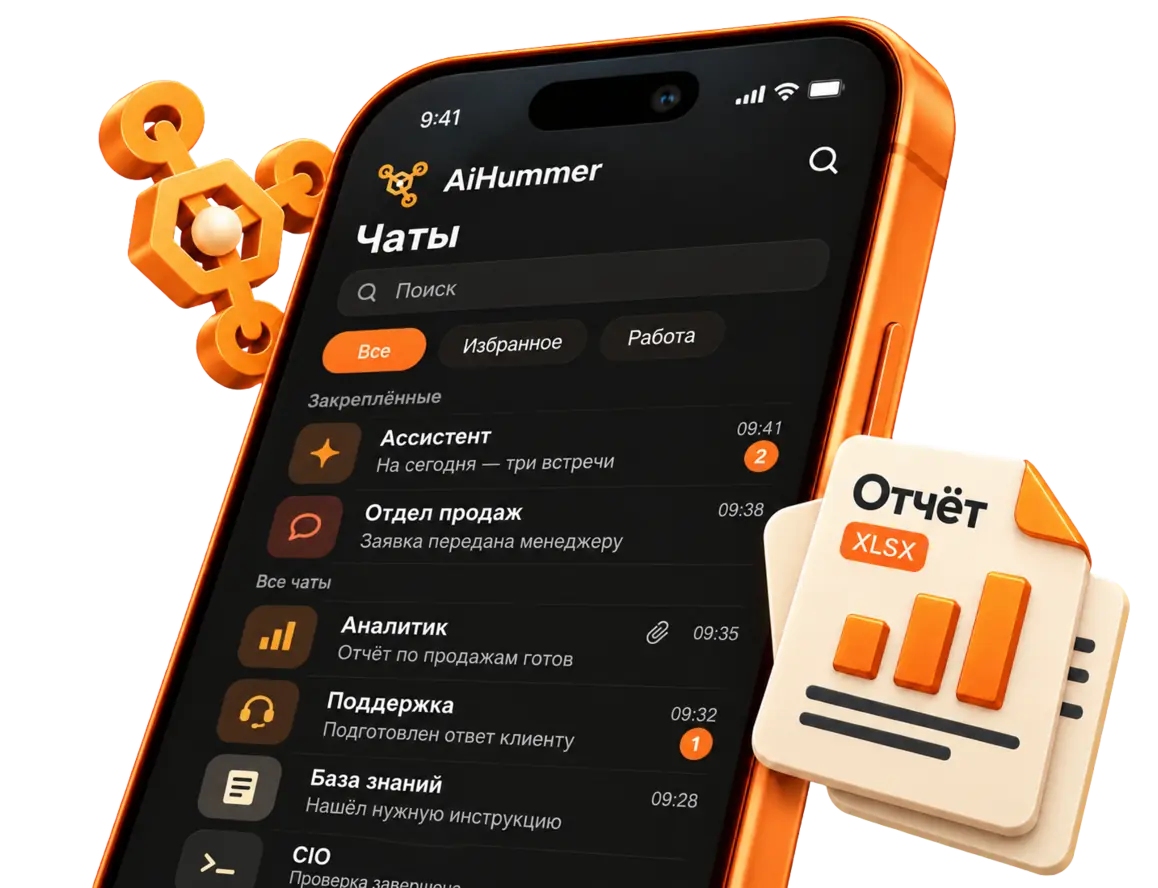
A table — CSV or XLSX — that it puts together itself from your plans and sends as an attachment straight into the conversation: what is included, what is excluded, the excess, the deadlines. The person opens the file in the very place they asked and compares the options with their eyes rather than from memory.
What does “opens a page at a link” mean?
A real browser is built into the package: the agent opens a public page — your policy rules, a tariff, a form on the site — and retells what is written there, with the link and the date of the version. It does not “know the current terms by heart”: it reads what is open now and says where that came from.
Does it answer where clients write?
Yes. Telegram, WhatsApp, VK and MAX. All conversations come together in one window, so your staff open the whole conversation rather than a retelling from another app.
What has to be done before the first answer to a client?
Connecting a model is the first step and is done once. Until the model is connected the agent stays silent: the thinking is done by the model, not by our server. After that you upload the rules and the plan descriptions and connect the channels.
What does “inside your perimeter” mean?
The Enterprise plan installs on your own servers: the correspondence, the personal data and the enquiries never go to someone else's cloud. The plan includes single sign-on via SAML, LDAP and SCIM, row-level access control, extended auditing, mandatory approval of actions and an isolated mode — the things a security team asks about before it asks about price.
And are you in the Russian Software Register?
Yes, AiHummer is included in the Unified Register of Russian Software. Help with procurement paperwork is included in the plan.
What does it cost?
Enterprise is on request — there is no figure either on this page or in the price list, because the scope is different for every company: the perimeter, the volume of enquiries, the integrations, the security requirements. Write to us and we will work it out for your case.
Can we look at it before talking about money?
Yes, and in two ways, both free. The demo sandbox is open without sign-up — login and password below, ask it about anything. And the free Community edition installs on your own server and shows how it works from the inside: that is usually what a security team wants, not a presentation.



























 Telegram