Will it write my term paper for me?
No, and it is worth knowing before you pay. It answers from your own materials and helps you get it: it finds the right spot in a lecture, explains it in plain words, builds a summary. It doesn’t hand your work in, doesn’t log into the student portal and doesn’t take quizzes. If what you want is “do it instead of me”, this isn’t the product.
Where does it get its answers from?
Only from what you gave it: lectures, study guides, your own notes, photos of the board, papers. With every answer it names the file and the spot it came from — you can open it and check. What you never uploaded it doesn’t invent: it tells you outright that it doesn’t have it.
What format should I upload notes in?
As they are: PDFs of study guides, documents, text notes, photos of pages. Upload once in the dashboard, then add a file at a time as new lectures turn up. Nothing needs sorting or renaming.
Where do we write to it?
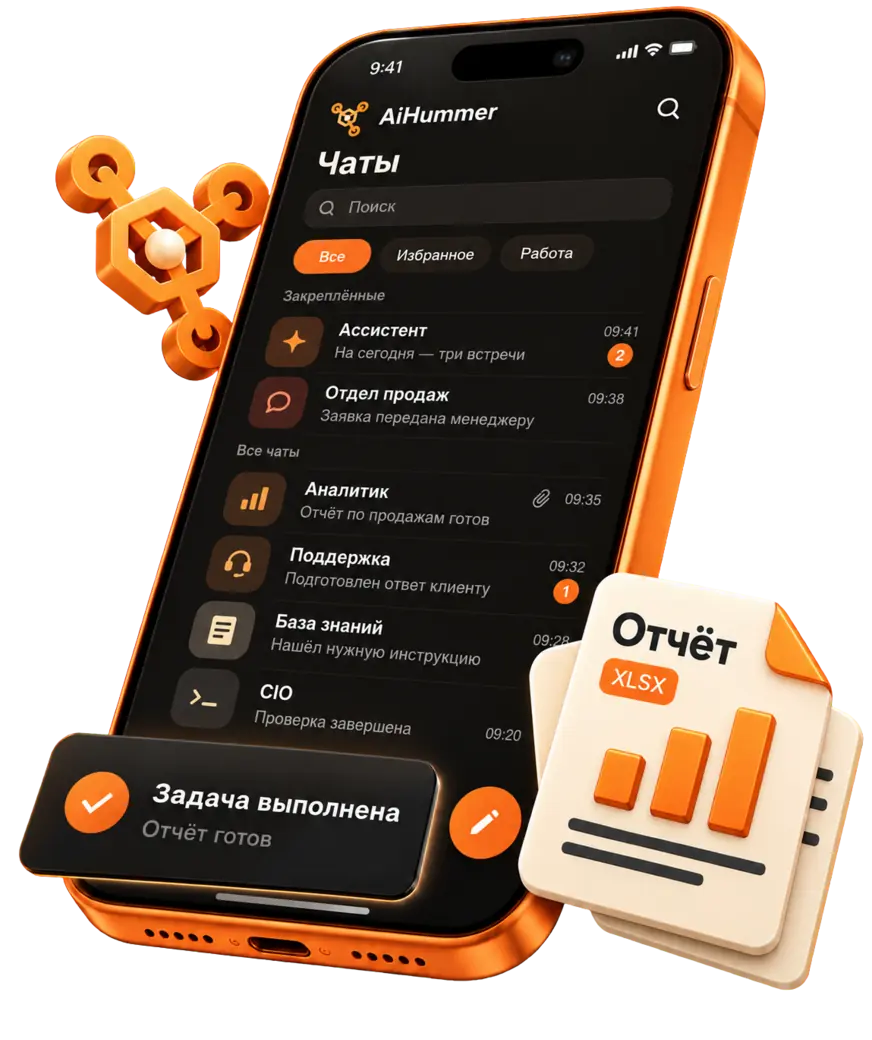
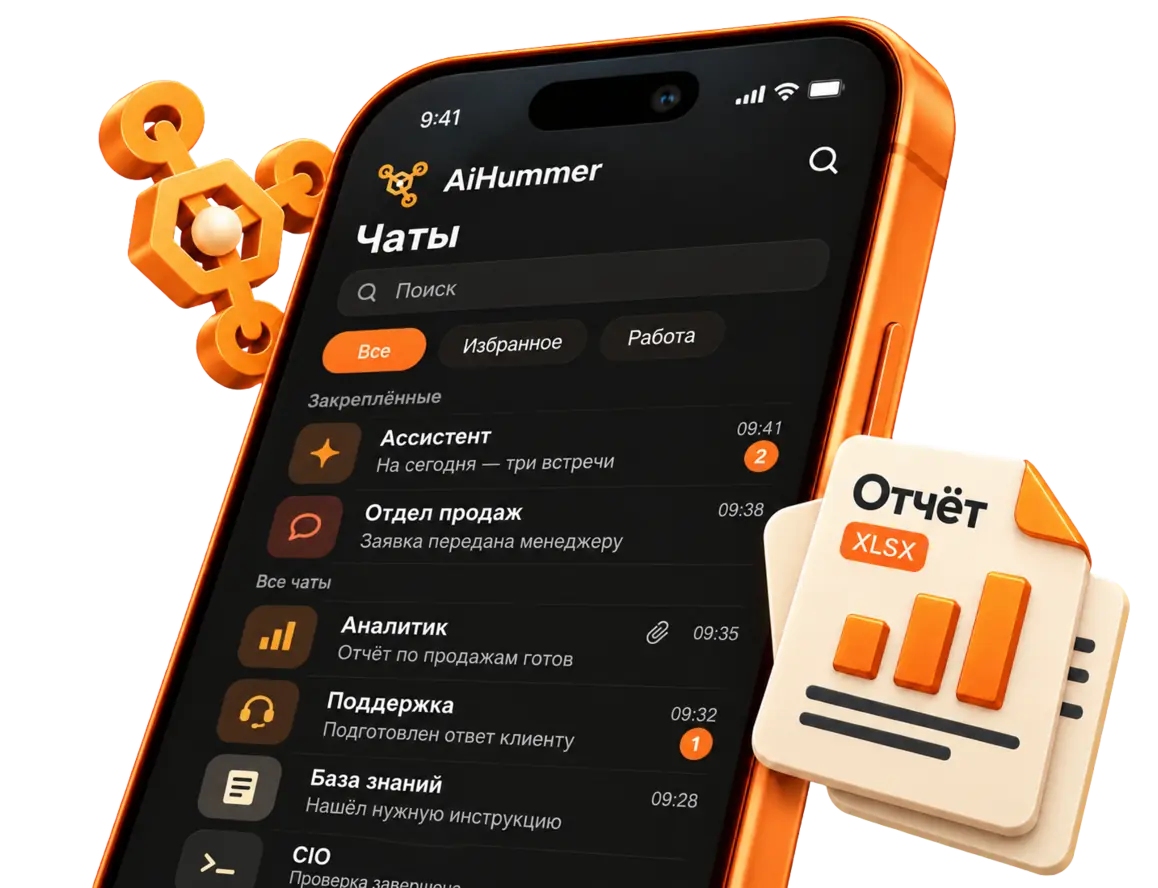
Right where you already are: Telegram, WhatsApp, VK and MAX. Every conversation lands in one inbox, and there’s a mobile app too — in a lecture hall, from a phone, that’s the handiest of all.
What is the file it sends?
A table — CSV or XLSX — that it builds itself and sends as an attachment right into the chat. That is how formula lists, dates, definitions by topic and answer outlines go out. The file opens right where you asked: no dashboard, no second app.
Does it remember what we already went through?
Yes. It brings up your earlier messages and picks up where you left off instead of explaining for the third time what you already understood. The limit is an honest one: if you sorted it out with a classmate in the hallway and it never reached the chat, it doesn’t know.
Do I need an assistant for every subject?
1 assistant. Course materials can be kept together, with questions asked by topic. If you need separate assistants, compare the current limits on the pricing page.
What has to be done before the first answer?
Connecting a model is the first step in the dashboard, and you do it once. Until a model is connected the assistant stays silent: the thinking happens in the model, not on our server. After that you connect a messenger and upload your materials.
Where are my materials kept?
In the AiHummer cloud. If a cloud doesn’t work for you, the same product installs on your own computer or server, and then the files never leave it. For ordinary coursework you don’t need that: in the cloud there is nothing to set up.
Can I see it before paying?
Yes. The demo sandbox is open without sign-up — login and password below, ask it about anything, it resets every hour.



























 Telegram
 WhatsApp